See your new room before you buy it.
Describe it, snap a floor plan, or draw it. Then walk through it in 3D.
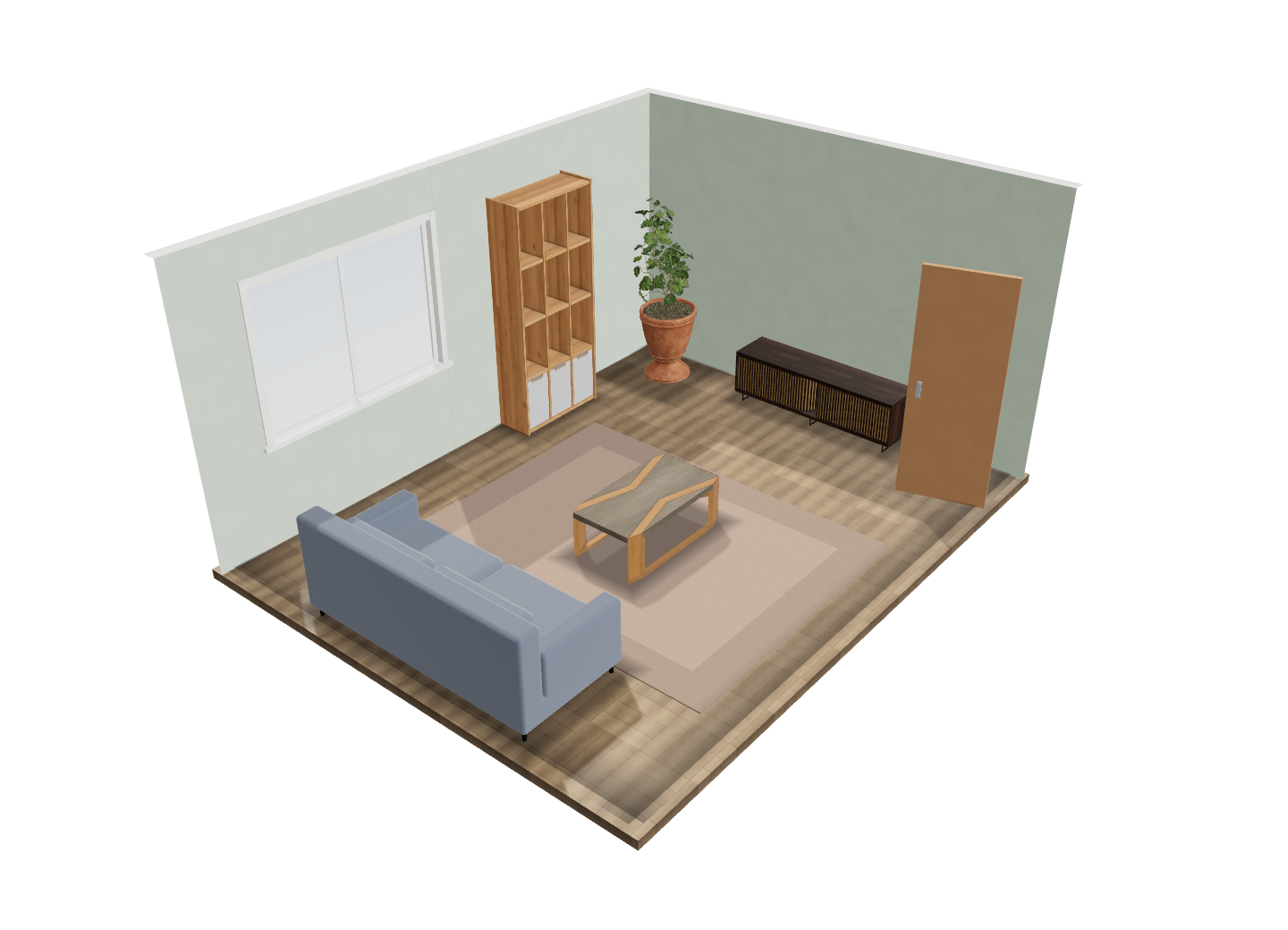 5.0 × 4.0 m living room
Don't draw it. Describe it.
Two ways to start that skip the empty grid.
Say what's in the room
Type it the way you'd tell a friend. A furnished, to-scale room comes back in seconds, ready to edit.
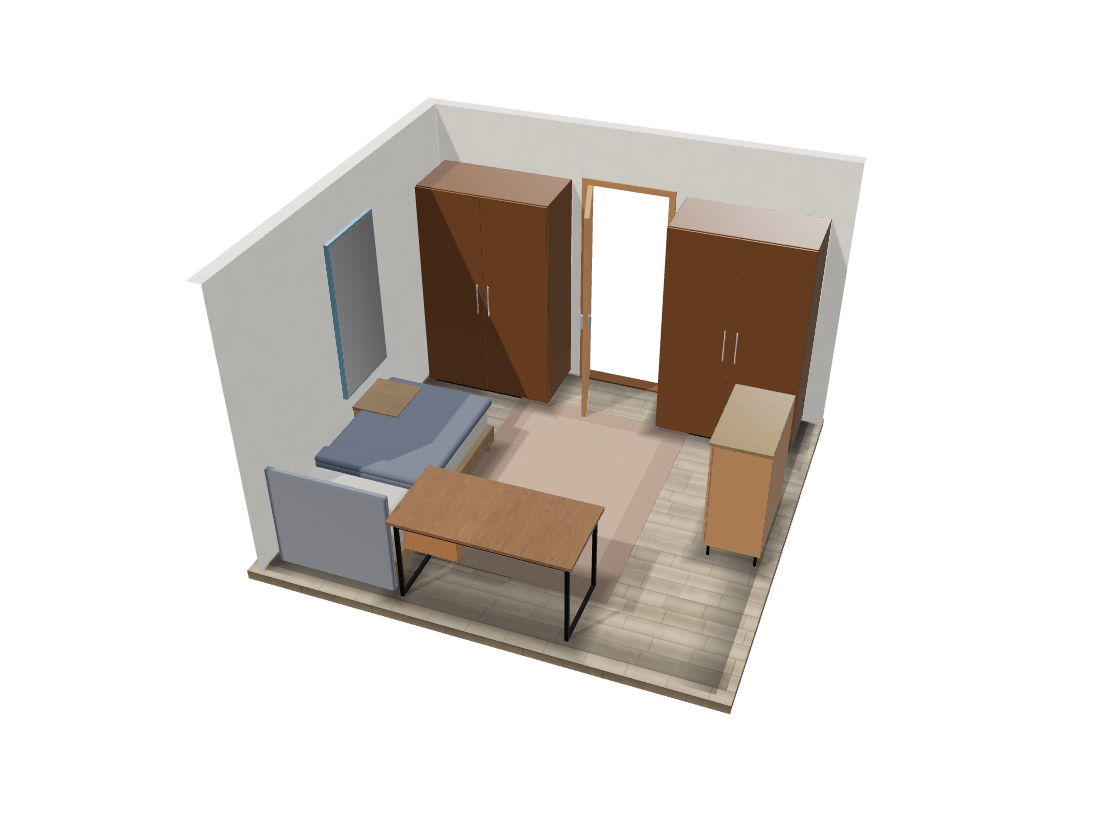 What it drew
Snap a floor plan Plus
Photograph a plan from a listing or a sketch. Its walls and doorways become a room you can edit.
Then walk through it.
Stand where the sofa will be. Look around. Change your mind for free.
- Eye-level walkthrough
- Doll's-house view from above
- Move and resize things right there in 3D
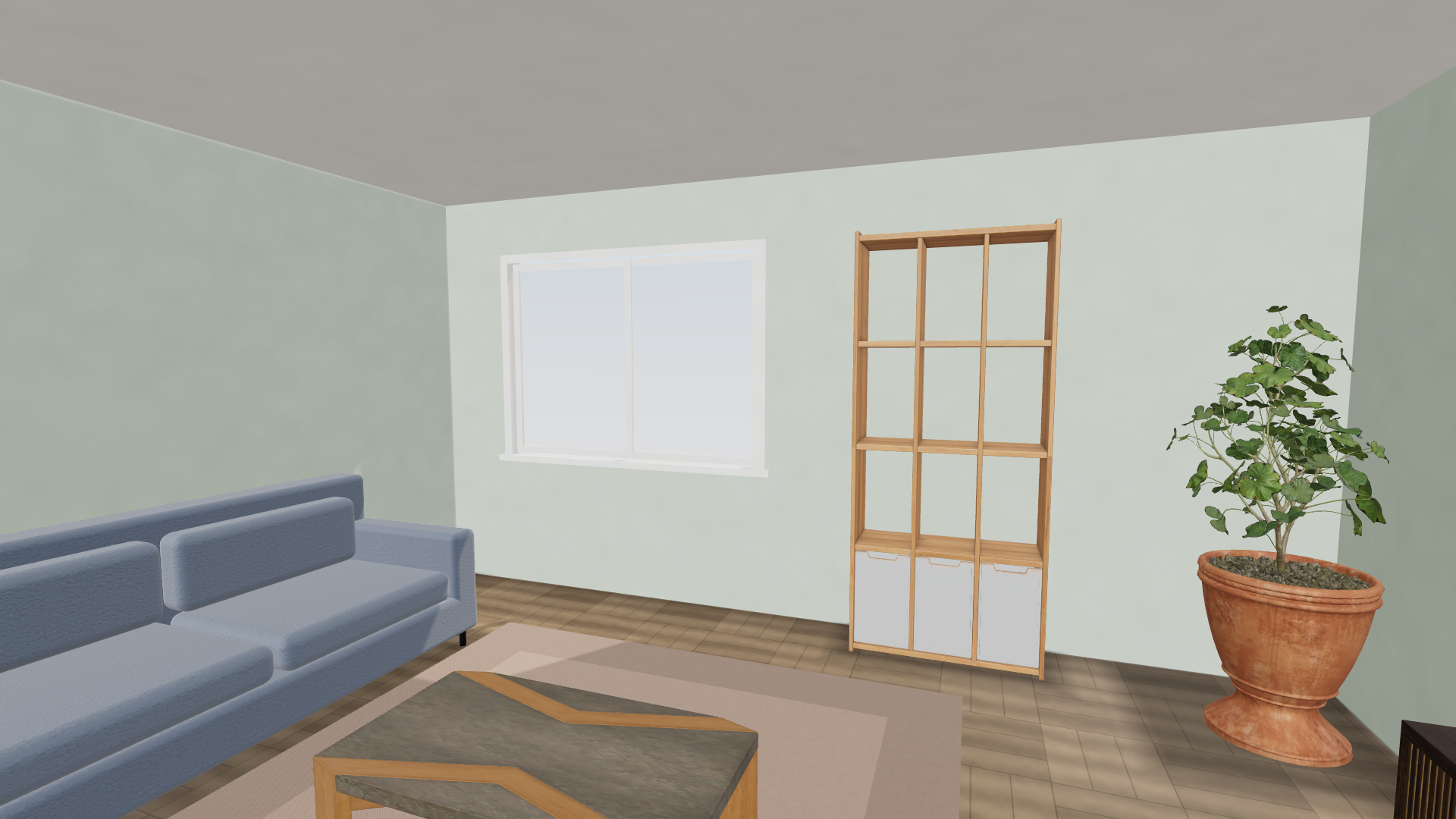 The room above, from inside
Everything to scale.
Real sizes, so what you see is what you get.
Draw to size
Walls, doors and windows at real dimensions. Metric or imperial.
105 real objects
Beds, sofas, kitchens, baths. Resize any of them.
Real finishes
Wall colours, brick, tile, floorboards, parquet.
Starter templates Plus
Furnished bedrooms, kitchens and studios to make your own.
A second pair of eyes
Flags a blocked door or a tight squeeze before you order.
Yours, offline
Rooms stay on your device. No account needed.
Free to plan. Plus for the rest.
The whole tool is free for two rooms.
Free
For the room you're working on.
- Two rooms
- Draw to size, with all 105 objects
- Full 3D view and walkthrough
- Fit check included
- 2 AI room descriptions, with a free account
Create a free account for the AI descriptions.
Plus
$39.99 billed yearly — save 33% Billed monthly
- Everything in Free
- AI room descriptions, up to 60 a day
- Rooms from a photo of a floor plan
- Photographs of your room, from the 3D view
- Unlimited rooms
- Sync across your devices
- Furnished starter templates
- Full clearance report and export
Cancel any time. Your rooms stay yours.